FaceAge - How old do I look
- 3.7
- Rating
- 500.00K
- Installs
- Free
- Price

 Analysis by App-foxy
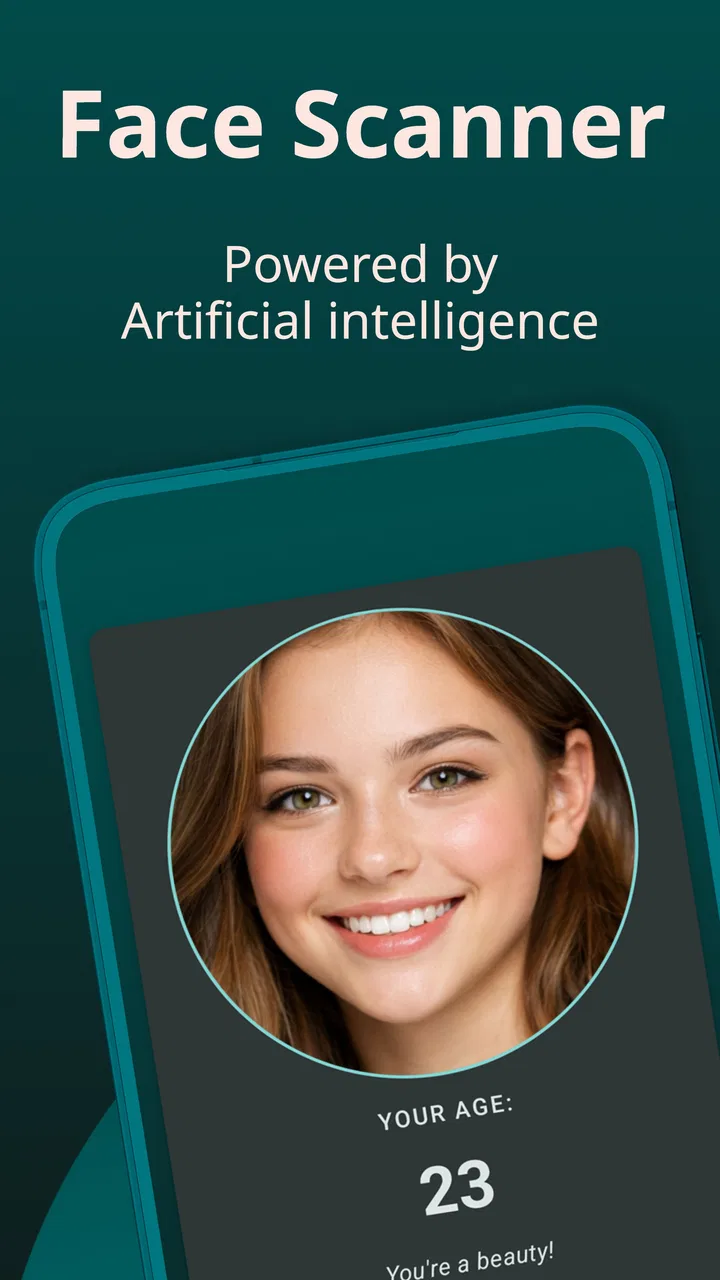
I tried FaceAge - How old do I look as a quick beauty experiment rather than treating it like a serious measuring tool. The idea is simple: take or choose a face photo, let the app analyze it, and receive an estimated age. That makes it easy to understand, but the result is also easy to overinterpret. In my experience, the app is most enjoyable when used as a casual conversation starter, not as a statement about how old someone really looks.
This is a free beauty app from Tikamori, available to an Everyone audience. It has passed the point where an app feels completely unknown, with over 500 thousand installs and a 3.6 average from around 4.4 thousand ratings. Those figures suggest that plenty of people are curious about the concept, while the middle-of-the-road score also hints at an experience that will depend heavily on the photo and on what the user expects from the result.
How the photo-based age estimate feels in everyday use
The first thing I noticed is that the whole appeal depends on reducing the process to a single image. You are not filling out a questionnaire or entering personal details about skincare, lifestyle, or appearance. The face is the input, and the estimated age is the payoff. That directness is the reason I can imagine opening it while chatting with friends, comparing different portraits, or checking how a new haircut changes the impression of a familiar selfie.
You May Also Like

 Blood Strike: 2.5 Anniversary
Blood Strike’s Loadouts Turn Every Drop Into a Tactical Gamble
A close look at Blood Strike’s custom loadouts: how fast access to signature weapons reshapes its battle royale rhythm, rewards preparation, and narrows the gap between fights.

 Pandora - Music & Podcasts
Pandora’s Music Is Easy to Start, but Harder to Recover
Pandora’s strength is its low-effort path from a seed to a station. Its weak spot is how much confidence it asks you to place in connection, setup, and quiet recovery.

 8 Ball Pool
 Is Built on Rivalries, Rematches, and Routine
A close look at the rivalries, rematches, shared routines, and unanswered safety questions that turn a quick pool match into a persistent mobile community.

 Samsung Music
’s Quiet Strength Is Playing What You Already Own
Its reach comes less from spectacle than from dependable access to a personal library. That simplicity is both the app’s strongest retention engine and its ceiling.

 AccuWeather: Weather Radar
AccuWeather Review: A Quick, Clear Forecast for Everyday Decisions
For everyday plans, the best forecast is the one you can understand quickly. AccuWeather makes rain timing, radar, and local conditions easy to act on, with a few trade-offs.

 Hill Climb Racing
Why Hill Climb Racing Still Turns Crashes Into One More Run
A tiny car, a bumpy hill and one more upgrade: Hill Climb Racing keeps resurfacing because its simple chaos makes every near-miss feel personal.
More From Our News Desk



That simplicity also creates the app's biggest weakness. A face photo is not a neutral object. Lighting, camera distance, expression, makeup, glasses, facial hair, shadows, and image quality can all change how a face appears. A tired-looking snapshot may produce a different estimate from a bright, relaxed portrait. I would therefore treat every result as a playful reading of one picture, not as a stable personal measurement.
A useful way to test it is to keep the person the same while changing only one variable. Take a reasonably clear, front-facing photo, note the estimate, then try another image with a different expression or light. The comparison is more interesting than chasing one supposedly correct number. It shows how strongly the visual presentation influences the outcome and helps prevent the app from becoming a source of unnecessary self-judgment.
Why the network can become part of the experience
Because the central action involves analyzing a photo, I would not plan around it as though every scan will behave identically in every location. A user may open the app in a bedroom, on public transport, at a party, or while traveling, and the practical experience can change when the connection is weak or interrupted. The important point is not to assume that a scan will always complete instantly. If the image analysis relies on communication beyond the phone, a poor connection can turn a quick joke into a wait.
This matters most when several people want to try it in succession. At home, a short delay may be harmless. In a crowded place, people quickly lose interest if each photo takes too long to process. I would prepare a small set of suitable pictures before starting a group session rather than making everyone stand around while searching through a gallery and waiting for each attempt.
I also prefer using it when I have enough time to look at the result calmly. A network-dependent moment is not necessarily a problem, but it changes the app from an instant camera effect into a small analysis workflow. If you need a guaranteed result without waiting, a normal camera app with built-in filters is usually the safer choice. Those tools can change the appearance of a portrait immediately, even though they cannot offer the same age-estimation gimmick.
Practical mobile situations where it works best
The app fits naturally into short, informal mobile sessions. I can see it being used before a night out, when friends compare how different lighting affects their selfies, or during a family gathering where someone wants a harmless icebreaker. It also works for someone experimenting with profile photographs: instead of asking only whether a picture looks flattering, you can compare how different images create different impressions.
For that kind of use, I recommend choosing the image deliberately. A face that is partly hidden, heavily angled, blurred, or placed in a busy background gives the analysis less useful visual material. Even if the app accepts such a picture, the result becomes harder to interpret. A plain, well-lit portrait is a better starting point, especially if you are comparing two photos and want the comparison to say something about the images rather than about random photo problems.
There is a small but important distinction between testing a photo and testing yourself. The app is really responding to the presentation in front of it. That makes it useful for exploring how an image reads on a screen, but not for deciding whether you look healthy, attractive, tired, or older in real life. I would not use an estimate to make choices about skincare, cosmetic treatments, or personal confidence.
It is also worth remembering that mobile cameras vary widely. A front camera may soften details, while another phone may emphasize texture. Screen brightness and viewing conditions can alter your own reaction to the result, even when the underlying picture is unchanged. If you are comparing images across devices, keep the viewing conditions as similar as possible. Otherwise, you may end up comparing phones and lighting instead of faces.
What to do when a scan does not go smoothly
When a result feels strange, my first response would not be to assume that the app has discovered a hidden truth. I would inspect the photo. Is the face too small? Is one side in shadow? Is the expression unusually tense? Is there a filter, reflection, hat, or pair of sunglasses interfering with the visible features? Trying a cleaner image is the most sensible recovery step because it addresses the input rather than blindly repeating the same attempt.
If the app takes longer than expected, I would avoid repeatedly tapping the scan control. Repeated actions can make it unclear whether a request is still being processed or whether several attempts have been started. Waiting briefly, checking the connection, and then reopening the workflow is a more orderly approach. On a phone with limited free space or many apps running, closing unrelated apps may also make the session feel less cramped, although that will not fix a poor network.
There is another kind of failure that is more subjective: a result that feels unflattering. The best recovery is to change the way you interpret it, not to keep submitting photos until the number matches your preference. Different images naturally produce different impressions. If you are using FaceAge for fun, treat the variation as the entertainment. If the result affects your mood, that is a good signal to stop using the app for the moment.
For a more controlled experiment, use the same original photo after making one deliberate change, such as cropping more closely or choosing a brighter version. Save your observations privately rather than relying on memory. This turns a surprising result into something you can examine, and it avoids the common mistake of blaming the whole app when the real difference came from the image.
Privacy-minded habits for face photos
Any app that analyzes a face deserves a little more care than an ordinary calculator or wallpaper tool. I would choose a neutral test image rather than a photo containing other people, children, identification documents, a visible home address, or anything else that reveals more than necessary. Cropping the picture to the relevant face is a simple habit that reduces accidental exposure and keeps the test focused.
I would also avoid using a highly personal image simply because it is already in the gallery. A temporary portrait taken for the experiment is easier to separate from important memories and easier to delete afterward. Before using the app regularly, I would read the permissions and privacy information shown on the device or in the relevant app store. The fact that the app is free does not remove the need to think about what kind of image you are submitting.
In-app purchases range from $1.99 to $19.99 per item, so I would pay attention to any purchase screen rather than assuming that every part of the experience is included at no cost. The app itself is free to install, but a free download and a completely purchase-free experience are not the same thing. If you are handing the phone to a child, the Everyone age rating makes the basic audience broad, yet I would still supervise any purchase prompts and explain that an age estimate is entertainment rather than a judgment.
My privacy-conscious workflow would be straightforward: use a single-purpose portrait, avoid including bystanders, check the app's access requests, review any purchase prompt, and remove images or results you no longer want on the device. I would not upload a colleague's or friend's face without permission, even for a joke. That is both more respectful and more practical, since a funny result is not worth creating an awkward situation over someone else's image.
How it compares with ordinary beauty and camera alternatives
FaceAge occupies a narrower space than a typical beauty editor. A camera editor gives you control over brightness, cropping, color, retouching, and presentation. A skincare app may focus on routines or product guidance. A social camera may offer live effects that are immediately visible. This app is less useful for changing a photo and more useful for asking one playful question about the photo.
That narrow purpose is a strength when you want a quick age-estimation experiment without navigating a large editing suite. It is a weakness when you want practical beauty advice or creative control. If your real goal is to choose the most flattering profile image, I would use a regular gallery and camera editor alongside it. FaceAge can provide an extra reaction, but it should not be the only judge of which picture you keep.
The same comparison applies to reliability. A conventional camera tool usually shows you the result directly, so it is easier to understand what happened when an effect looks wrong. An age estimate is more ambiguous: an unexpected result may come from the photo, the analysis, the connection, or the limits of the concept itself. That makes the app more entertaining than dependable.
Version 30.4 supports devices running Android 6.0 or later, which gives it a broad place on older Android phones as well as newer ones. Still, compatibility does not guarantee identical camera behavior on every handset. If your phone produces soft or heavily processed selfies, the quality of the input may matter more than the version number. I would judge it after a couple of clear tests rather than assuming a good experience from compatibility alone.
Who should try it, and who should skip it
I think it is a good fit for curious users who enjoy lightweight photo experiments, want a quick party conversation starter, or like comparing how mood and lighting change a portrait. It can also help someone think more carefully about presentation: a photo communicates an impression, and the app makes that idea visible in a simple way.
I would be cautious about recommending it to anyone who is already anxious about appearance or likely to treat an automated estimate as an evaluation. The app cannot replace a professional opinion, a medical assessment, or a thoughtful human conversation about looking well. It is also not the right choice for users who want a detailed beauty routine, advanced editing, or a dependable tool that works without interruption in every mobile situation.
Parents should remember that an Everyone rating describes broad suitability, not the emotional effect of every result. A child may find the concept funny, but may also take an unexpected estimate personally. If a younger user tries it, I would frame the output as a changing response to a picture and stay nearby rather than leaving the number to speak for itself.
My connectivity verdict
After using it as a casual photo experiment, I see the network as part of the practical experience rather than a minor technical detail. The app is most enjoyable when the connection is steady, the photo is prepared, and everyone understands that the result is only an estimate. In a weak-signal setting, the same simplicity can feel less immediate, especially when several scans are attempted one after another.
Tikamori's app succeeds when you want one focused interaction: present a face photo and see what impression comes back. It does not replace a camera editor, a skincare guide, or a serious assessment tool. Its 3.6 average reflects the fact that the idea is appealing but the results can be subjective and sensitive to image conditions. I would recommend trying it if you enjoy playful beauty apps, while keeping purchases, photo choices, connectivity, and personal expectations under control.
My final advice is to use it once with a clear, ordinary portrait, then compare the experience with a second image only if the process feels fun. The best way to use FaceAge is as a lighthearted experiment about photos, not as a verdict about you. With that boundary in place, the free app can be an entertaining addition to a mobile beauty folder; without it, the uncertainty of a photo-based estimate may outweigh the novelty.
FAQs for FaceAge - How old do I look
01What is FaceAge - How old do I look?
FaceAge is an innovative app that uses advanced facial recognition technology to estimate your age based on a photo. It's designed for fun and entertainment, allowing users to upload their pictures and receive an estimated age along with insights into features that contributed to the assessment.
02How accurate is the age estimation in FaceAge?
While FaceAge uses sophisticated algorithms to estimate age, the results are meant for entertainment purposes and may not always be accurate. Factors such as lighting, facial expressions, and image quality can affect the estimation. Users should enjoy the app as a fun tool rather than a precise age detector.
03Is FaceAge free to use?
FaceAge offers a free version with basic features. However, for an ad-free experience and access to premium functionalities, there may be in-app purchases. It's advisable to check the app's store page for detailed information on pricing and subscription options, if available.
04Is my privacy protected when using FaceAge?
FaceAge takes user privacy seriously. Photos uploaded for age estimation are processed through secure servers, and the app promises not to store or share personal images without consent. It's recommended to review the app's privacy policy to understand how your data is handled.
05Can I use FaceAge on both Android and iOS devices?
Yes, FaceAge is available for both Android and iOS platforms. You can download it from the Google Play Store for Android devices and the Apple App Store for iOS devices. Ensure your device meets the necessary system requirements for optimal performance.
Pros
- User-friendly interface for easy navigation.
- Quick and accurate age estimation.
- Fun filters for engaging social media content.
- Lightweight app with fast performance.
- Available for both Android and iOS platforms.
Cons
- Requires internet connection for best results.
- Contains ads that can disrupt user experience.
- Limited customization options for filters.
- Age estimation may vary with lighting.
- No offline mode for use without data.

FaceAge - How old do I look
Gallery